

Now Reading: 🛡️ How to Set Up a Secure Home Wi-Fi Network (Step-by-Step)
-
01
🛡️ How to Set Up a Secure Home Wi-Fi Network (Step-by-Step)
🛡️ How to Set Up a Secure Home Wi-Fi Network (Step-by-Step)

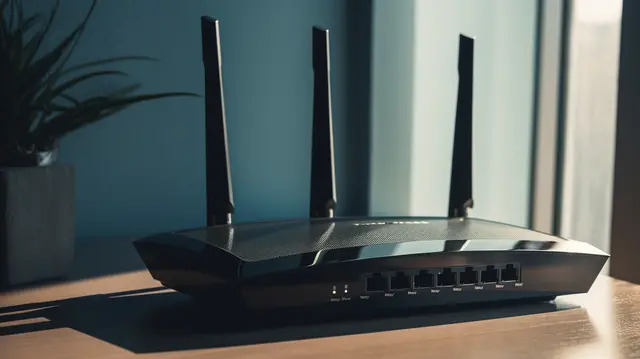
In today’s connected world, your home Wi-Fi is the digital front door to your personal data. Whether you’re streaming, studying, banking, or gaming, securing your network is essential.
This step-by-step guide will show you how to set up a secure home Wi-Fi network in 2025, even if you’re not a tech expert.
✅ Why It Matters
An unsecured network leaves you open to:
- Unauthorized users (neighbors, strangers)
- Identity theft
- Hacked smart devices
- Malware & viruses
🔧 Step 1: Change the Default Router Login Credentials
Most routers come with default credentials like admin/admin. Change them!
How to do it:
- Connect to your Wi-Fi
- Open a browser and enter your router’s IP (e.g.,
192.168.1.1) - Log in using the default credentials (usually printed on your router)
- Change both username and password to something strong
🔒 Step 2: Use WPA3 Encryption & a Strong Wi-Fi Password
Use WPA3 encryption if your router supports it (WPA2-AES is the next best). Avoid outdated WEP.
Create a strong password:
- 12+ characters
- Use numbers, symbols, and both upper/lowercase
Example:
Home_Secure_2025!
📶 Step 3: Rename Your SSID (Network Name)
Avoid using your name, address, or router brand.
Bad example: TanishaWiFi
Good example: SkyVault_5G
🔄 Step 4: Keep Your Router Firmware Updated
Outdated firmware = vulnerable to hackers.
How to update:
- Log in to your router dashboard
- Look for “Firmware Update” or “System”
- Install the latest version
👥 Step 5: Disable Remote Management & WPS
These features can create backdoors into your network. Turn them off unless absolutely needed.
🎛 Step 6: Enable a Guest Network
Let visitors connect without accessing your main devices.
Benefits:
- Isolates guest devices
- Protects files and smart home devices
- Easier to turn off after they leave
🔍 Step 7: Monitor Connected Devices
Regularly check who’s connected to your network.
Tools to use:
- Router dashboard → Device List
- Apps like Fing (iOS/Android)
💡 Bonus Security Tips
- Place your router centrally in your home
- Enable your router’s firewall
- Turn off Wi-Fi when away for long periods
- Use a VPN if you work with sensitive data
✅ Final Thoughts
A secure Wi-Fi network protects your personal data, devices, and privacy. These simple steps will help you stay safe in 2025 and beyond.
💬 Got questions or tips of your own?
Leave a comment below and share this guide with someone who could use a Wi-Fi security check!